

- Published on
Custom LEGO Family Portraits: How to Avoid a Mismatched Set
The usual way people do this is one person at a time, over a few days, using whatever photo of each family member happens to be on their phone. Dad from a holiday snapshot in bright sun. Mum from an indoor photo at night. One kid from a school portrait, another from a blurry photo at a party.
The figures come back fine individually and terrible together. Different skin tones, different lighting baked into the torsos, different framing, different levels of detail. Lined up side by side they look like four figures pulled from four unrelated sets.
The tool isn't the problem. The photos are.
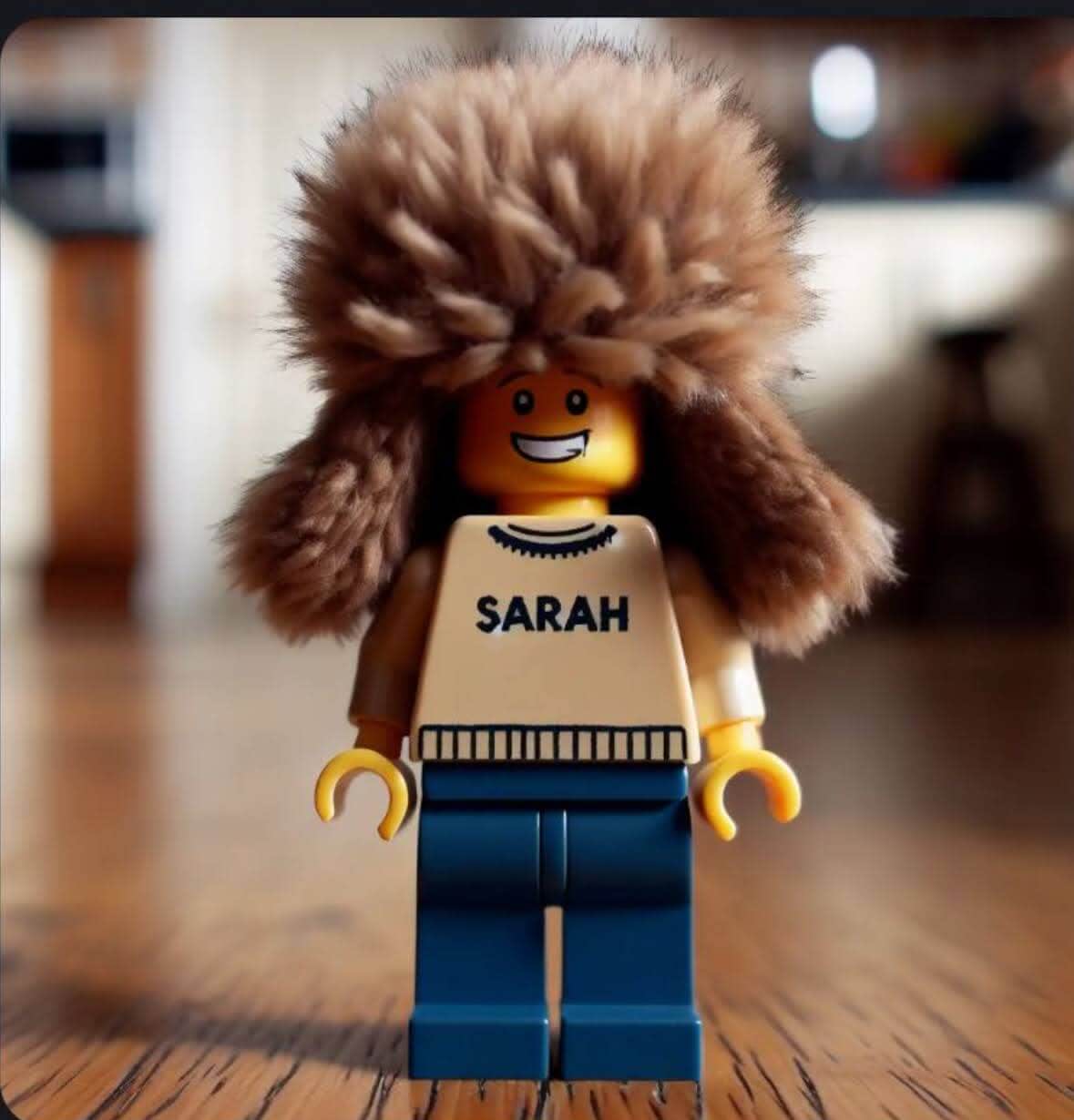
Why inconsistent photos produce inconsistent figures
The generator reads each photo independently. It has no idea the four people are related or that you intend to display them together. Whatever it sees in the photo, it interprets.
Warm evening light becomes a warmer skin tone. A shadow across one side of a face becomes a darker feature. A wide shot with a small face gives the model less to work with, so it fills the gaps with generic choices. A busy background sometimes bleeds colour into the torso.
None of that is visible when you look at one figure. All of it is visible when you look at five.
Shoot all the photos in one sitting
This is the whole technique and it takes about ten minutes.
Pick one spot. A plain wall with a window to the side of it, or better, a window in front of where people will stand. Daytime, no flash, no overhead light.
Stand everyone in the same place, at the same distance, and take each photo from the same height. Shoulders and up, filling the frame. Same camera, ideally the same phone in the same mode.
That's it. Same light, same distance, same crop, same background. The figures come back looking like a family.
The one adjustment worth making: crouch for children so the camera is at their eye level. Shooting down at a child gives you a photo dominated by forehead, and the figure inherits that.
See yourself as a LEGO minifigure
Upload a photo and get your custom figure in 10 seconds — free preview included.
Try It FreeNotes on specific people
Glasses: they carry over well and help recognition. Keep them on, and get the light in front so there's no reflection hiding the eyes.
Babies and toddlers: the hardest case. They won't hold a front-facing pose, and there's less distinguishing detail in a baby's face for the model to work from. Take twenty photos and pick the one where they're looking at the lens. Expect a generic-looking figure and be relaxed about it.
Hats and uniforms: both come through strongly, sometimes at the expense of the face. If someone's hat is the point, keep it. If their face is the point, take the hat off.
Long or unusual hair: reads well and is one of the most reliable recognition cues in the format.
Strong shirt colours: minifigure torsos are flat printed graphics. A red shirt gives you a red torso people remember. Patterned or subtle fabrics turn into a vague rectangle. If you want the set to look coordinated, have everyone wear a different solid colour.
Doing it in one pass
Team Builder exists for this. You add up to ten people, upload all the photos at once, and it generates the whole group in one run, then assembles a poster you can download as a single image.
Practical details worth knowing before you start. Each person costs one credit, so a family of four costs four, and there's no free tier for group generation the way there is for a single figure. If you want to test the look first, run one person through the free single-figure preview and check the result before committing the whole family.
Progress is saved as it goes, so if a browser tab dies partway through you don't lose the figures already finished. Anyone who failed shows up with a retry button rather than forcing you to start over.
Ten is the ceiling. For a larger group, split into batches, but shoot every photo in the same session anyway or the batches won't match each other.
What to do with the result
Holiday cards are the obvious one, and the reason to do this in autumn rather than in December. A family of minifigures reads well at card size, prints cleanly, and doesn't require anyone to look presentable on the day.
Group gifts work too. A set of figures for grandparents, a leaving present for a team, a poster for someone's last day. Gift framing by occasion covers about fifteen of these, including retirement and anniversaries.
For work teams, the same technique applies, with the added benefit that a matched set looks intentional on an about page in a way that eight separately generated figures never will. If people are remote and can't shoot in one room, send them the same three instructions: face a window, shoulders up, plain wall. That gets most of the way there.
Setting expectations
You'll get a set that matches. You won't get portraits. Each figure will be recognisable to people who know the family, mostly from hair, glasses, and clothing colour rather than facial features, because a minifigure face is a printed graphic with a few expressions.
Skin tones vary between figures more than people expect, even with consistent lighting. If one comes back noticeably off, reshoot that person in the same spot and run them again rather than accepting it, since one mismatched figure in a group of five is more obvious than any other flaw.
And every one of these is a digital image. Nothing gets shipped. If you want physical figures of a whole family, that's custom print shops, at roughly the cost of a decent meal out per figure and a wait of a week or more. The four routes are compared here.
Quick answers
How many people can I do at once? Ten, in one run. Larger groups need batches.
Does it cost more per person? One credit each, the same rate as a single figure.
Is there a free version for groups? No. Single figures have a free watermarked preview; group generation needs credits. Terms here.
Can I include pets? The tool is built for people. Try it if you like, but don't plan the card around it.
Do the photos have to be taken on the same day? No, but they have to be taken in the same light. Same day is just the easiest way to guarantee that.
Can I get a single image of the whole group? Yes, the poster download combines them into one file.
Ten minutes by a window with everyone's phone photo taken the same way, then one pass through Team Builder. That's the entire job.
Ready to become a LEGO minifigure?
Upload your photo and get a custom LEGO figure in seconds. Free preview, no account needed.
Create Your Figure FreeReady to become a LEGO minifigure?
Upload your photo and get a custom LEGO figure in seconds. Free preview, no account needed.
Create Your Figure Free